If your business relies on Microsoft Access to keep things running smoothly, stability is the absolute king. While those snazzy new features are tempting, nobody wants their whole operation grinding to a halt halfway through a workday just because of an unexpected Office update. If you've got invoices piling up or a warehouse full of folks with nothing to do because Access is suddenly acting up, that's not a minor inconvenience - that's money flying out the window.
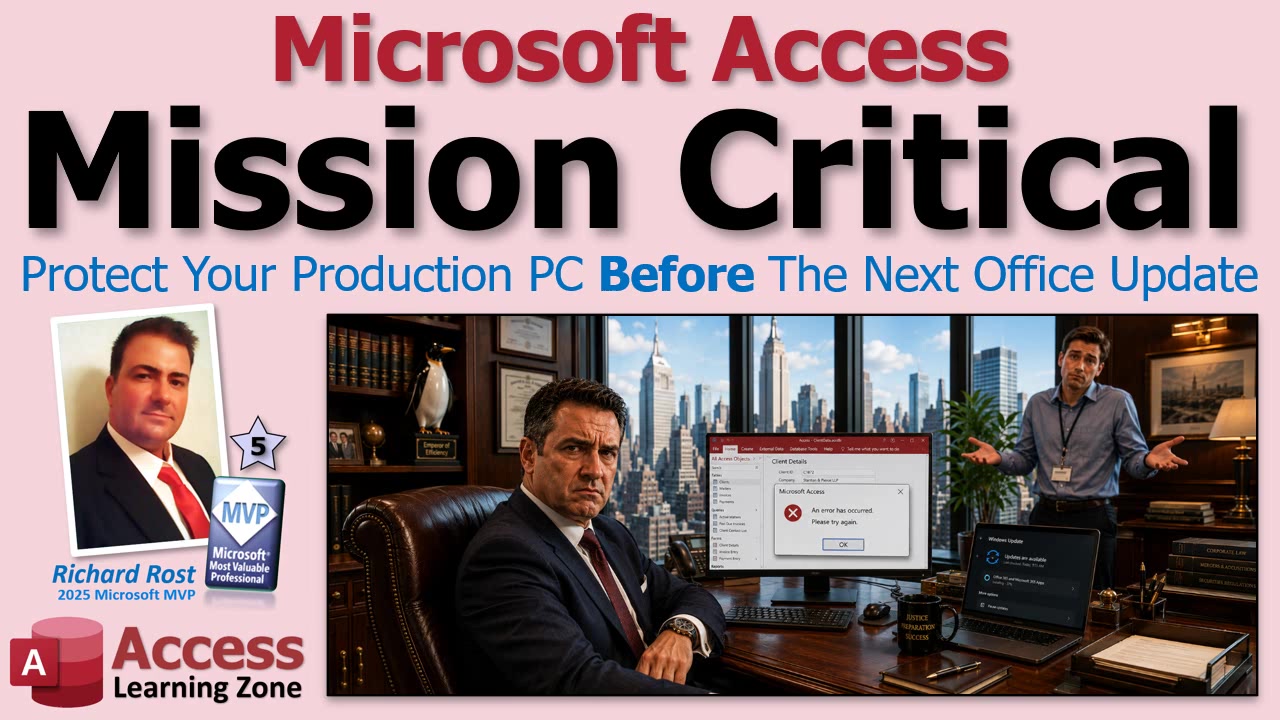
Let's be honest: most of us just want our systems to keep working. But here's the kicker - recent changes in how Microsoft releases Office updates might be putting even your "stable" PCs at a bit of risk if you're not paying attention.
So here's the inside scoop. A lot of Access developers (me included) were caught off guard recently when Office updates hit the mainstream "Current Channel" and made Access crawl. VBA code that used to zip along was now slower than molasses. And no, these weren't just the beta testers or folks living dangerously on Insider Previews; this was happening to regular users just doing their thing.
Turns out, Microsoft has been using a small pool of regular users on the Current Channel as "guinea pigs" for testing Release Candidate builds. Nobody sent out an application form - you might just be one of these lucky testers without even knowing it! Reasonable from their engineering perspective (they need to catch bugs on weird real-world setups), but probably not what you want for your mission critical business computer.
So what can you do to protect yourself, your data, and your sanity? It boils down to understanding the different update channels:
Current Channel is the default for Microsoft 365. You'll get new features and fixes fast, but this is also the channel Microsoft uses for behind-the-scenes validation testing. If you value stability over shiny toys, maybe think twice.
Current Channel Preview is for folks who want to live on the edge and catch bugs early (and maybe enjoy some chaos along the way). Not one I recommend for production machines you rely on daily.
Beta Channel is for the true daredevils who want features before they're even properly baked. You'll get plenty of bugs. Fun for testing, terrible for business-critical systems.
Monthly Enterprise Channel - now this is your best friend if Access is running your business. This channel gets updates once a month (usually on Patch Tuesday), and things have had more time to settle. According to Microsoft, it's not used in the same way for Release Candidate testing, so you're less likely to get hit by experimental surprises. This is what I'd use for anything mission critical, and honestly, I let a couple of days pass after Patch Tuesday before clicking update, just in case something nasty sneaks through.
As for "Semi-Annual Enterprise," don't even worry about that one - it's being retired. Monthly Enterprise is now the stable long-term pick.
My two golden rules: back everything up regularly, and control when updates are installed. I don't let Office update itself automatically on important PCs. Instead, I install updates manually at a quiet time, after making a backup, and I always jot down the last good build number. That way, if something goes sideways, it's a lot easier to roll back. (And yes, rolling back is possible - I walk through how in the video if you need the nitty gritty.)
Switching channels isn't rocket science, but you do have a few options depending on your setup. Most regular users can use a registry file from reputable sources (like the folks at Access Forever) to easily flip Office to the Monthly Enterprise channel. There's also a more advanced Office Deployment Tool for IT admins managing lots of computers, and even command line options if you want to get fancy. Again, details and walk-throughs for each are in the video and on Access Forever's website, so you aren't left guessing.
The takeaway here: if Access is mission critical, prioritize stability. Put your main machines on Monthly Enterprise, back up everything, and do your updates on your own terms - not when Microsoft feels like it. Keep a separate PC, laptop, or virtual machine for testing new builds if you like living on the cutting edge, but don't gamble with your business's daily operations.
And hey, the Access Team is still cranking out cool new features (like soon-to-drop improvements with combo boxes and continuous forms). Just make sure you're the one deciding when those new features get to meet your critical systems.
Want to see exactly how to check your channel, set it, and recover from a bad update? I've got the full demo and walkthroughs in the embedded video above. Give it a watch for all the nitty gritty details.
Stay in control, keep those backups up to date, and let someone else discover the bugs first. Your business (and your blood pressure) will thank you.
Live long and prosper,RR

No comments:
Post a Comment