If you've been online lately, you've probably stumbled across some dramatic headlines warning that your Windows 11 PC is going to fall over and die come June 24th. Supposedly, Microsoft Access, Word, Excel, and maybe your dog are all going to be affected. Let's take a step back, breathe, and actually look at what's going on, minus the panic-inducing hype.
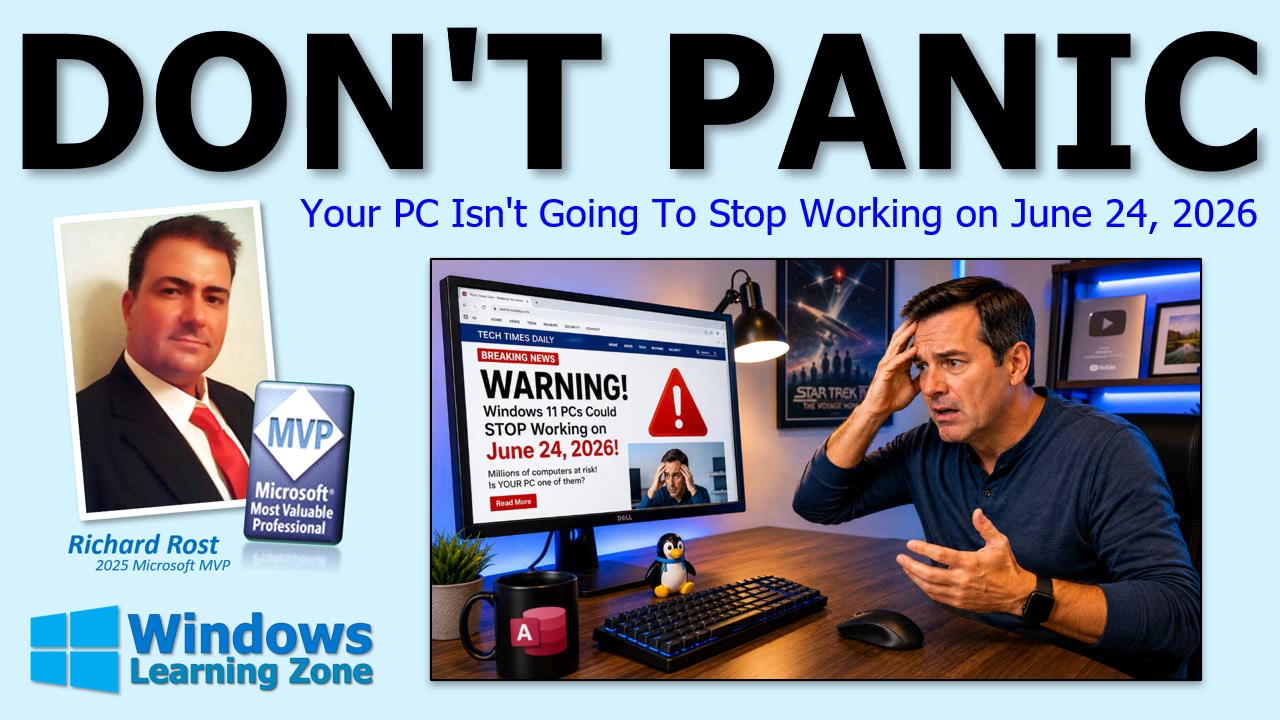
The core of the anxiety comes from some technical changes Microsoft is making behind the scenes - specifically about something called Secure Boot and expiring security certificates. It sounds scary, but for 99 percent of people, this is truly a non-event. Our computers are not about to self-destruct; Access isn't packing its bags and moving out, and Word and Excel will still happily open your grocery list.
The heart of the whole situation is that Microsoft set up certain Secure Boot certificates back in 2011, and wouldn't you know it, these things are expiring in 2026. The internet latched onto this fact and started spinning up end-of-days scenarios for Windows users. Here's the simple truth: Microsoft is already rolling out updates to replace these expiring certificates, and most users won't even notice anything changing.
So what exactly is Secure Boot? Think of it as the bouncer at the Windows Club, checking ID at the door before your operating system is even allowed entry. Its main purpose is to stop nasty stuff from accessing your computer before Windows even has a chance to fight back. It is not responsible for whether your Office programs (Access, Word, Excel, the usual suspects) run or not. If your PC boots into Windows today, those apps will continue trucking along just fine.
Now, what should you do? The short answer is: likely nothing. If you're curious, you can quickly check your Secure Boot status. Just hit Start, type Windows Security, open Device Security, and take a look at Secure Boot. Green checkmark? Pat yourself on the back, you're good. Yellow? Maybe Windows is still working through an update - just give it a little time. Red? That could mean a firmware update is needed, and if that's the case, head over to your manufacturer's official support site. And I mean official - let's not go downloading random BIOS updates from the wild west of the internet. For most of us, enabling Windows Updates and letting Microsoft do their thing is all that's required.
Here's the real deal: don't create a problem that doesn't exist. Don't rush into your computer's BIOS to start flipping switches you don't understand just because some YouTuber said the sky is falling. Secure Boot being marked as unsupported isn't a sign of imminent doom. If your Windows 11 PC is running just fine and all your software is happy, leave it alone. No need to be a hero or start a weekend project fixing what isn't broken.
As always, keep your system up-to-date, don't panic, and maybe spend a little less time reading sensational headlines. June 24th is not the Windows Y2K. Your Access databases and Office documents will be there in the morning. The best thing you can do is relax, stay updated, and know where your towel is (bonus points if you caught the reference).
If you want to see more of these kinds of breakdowns, or if the scare-mongering headlines had you worried for a second, let me know in the comments. And for those wanting to go deeper, there's a full beginner Windows course available for free on my website and YouTube channel - level 2 is just a buck if you're hungry for more.
Stay calm, stay smart, and let Microsoft do the hard work for you. Your PC and Office apps aren't going anywhere on June 24th. Watch the video above for a deeper dive if you're still curious!
Live long and prosper,
RR

No comments:
Post a Comment