Ever found yourself frustrated that your Access database is chained to one office, or stuck on a dusty server nobody wants to reboot? You're not alone. There's a world of difference between having your database on a single local network and making it available from anywhere - whether your team is remote, scattered across offices, or you just want to squeeze in some database work while waiting for a flight at the airport. Today we're diving into how to move your Microsoft Access database online using SQL Server. It opens up a whole new level of accessibility… and headache prevention.
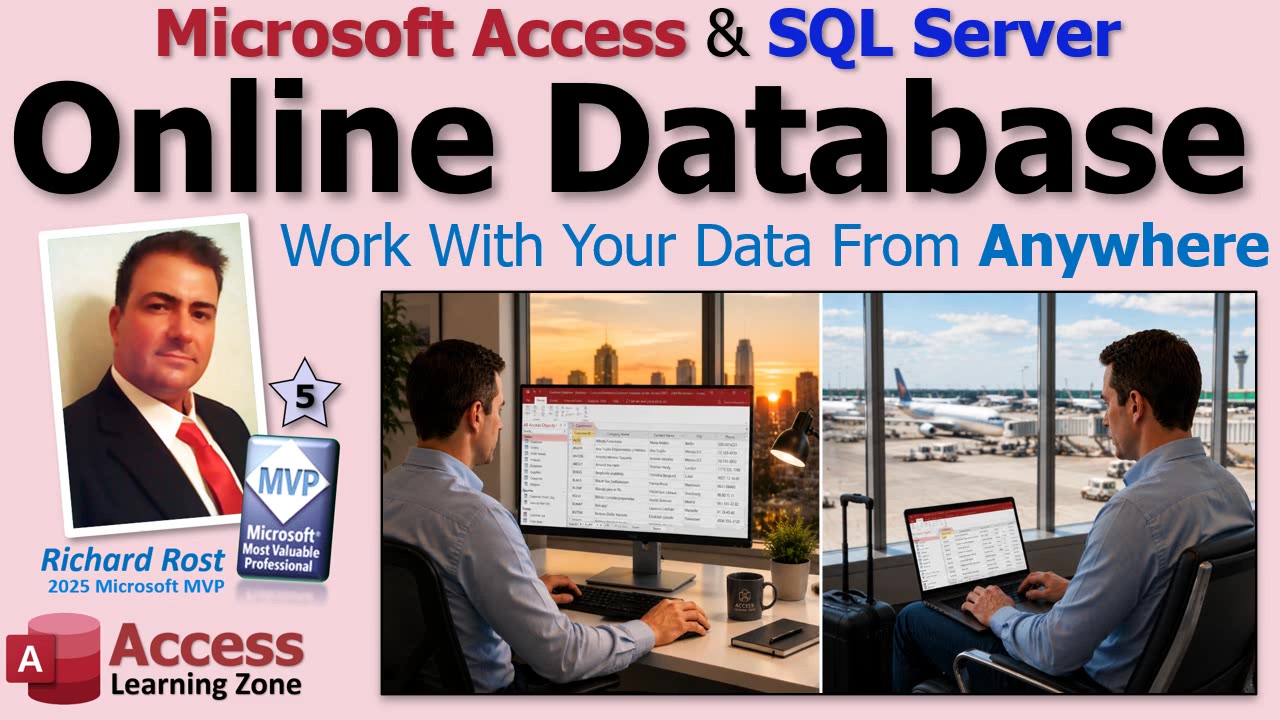
Let's get straight to the point. If you want folks in multiple places to use the same data, putting your Access backend into SQL Server online is the answer. Access becomes the clever user interface, and SQL Server does the heavy lifting on the backend. Not only does this allow people to log in from pretty much anywhere on the planet (as long as there's an internet connection), but it also means you're not limited to Windows PCs. Sure, the Access runtime is free for Windows, but once your data is in SQL Server, Excel VBA, Android apps, Macs - you name it - can pull in that data too.
The catch? There's always a catch. Big tables can take time to download if you ask Access to pull everything at once. If you're running reports on a table with, say, 50,000 customers, don't expect it to be lightning fast unless you plan ahead. That's where pass-through queries save your bacon. Instead of transferring every last record, you let SQL Server do the heavy sifting and just send down what's needed. It's a bit of a redesign if you're upgrading an old Access database, but the payoff is real. You'll have to rethink those old reports and queries - trust me, it's worth it.
If you're worried about security and safety, hosting online is actually more locked-down than most in-house setups. With a split Access database, everyone who messes with the backend share has full access (and therefore full opportunity to break things badly). Online SQL Server? People need credentials, and you can add real access controls. Pro tip: keep those passwords secret and safe. You don't want to be the reason someone across the world wipes out your customer table.
Another benefit: backups and reliability. If your office building spontaneously combusts (hey, stranger things have happened), your data is safely stored offsite. These host providers usually offer regular backups for a few bucks a month - absolutely get that in place. And if your internet drops, just fire up your phone's hotspot or use a backup connection. It's actually easier to work around a lost internet connection than to recover from a dead local server.
As for management, let the hosting pros sweat the updates and patches. I learned this the hard way years back when I had to manage my own SQL Server and ended up on the wrong side of a Pentagon denial of service attack. Yeah, you do NOT want to be the sysadmin who forgets a patch. Nowadays, let someone else handle the security while you focus on building good databases.
Oh, and user limits? Forget the 10 or 20-user constraints on a classic Access backend. SQL Server can handle hundreds of users at once if you've got the bandwidth for it. The only real limiter now is your internet speed, not the number of people banging on the tables.
A caveat: attachments, multi-valued fields, and hyperlinks don't translate well to SQL Server. But honestly, you shouldn't be storing attachments in Access anyway. That's just asking for corruption.
What do you need to get rolling? Simple: a single licensed copy of Microsoft Access (the full version for the developer), Windows-based SQL Server hosting (I highly recommend Winhost.com - after experimenting with others, trust me on this one), and if you want web access, a page editor and maybe a crash course in ASP.
Good news for your end users: they don't need to buy Access. The free Access Runtime edition does the trick for them. They just install it, and they're in. Only people designing reports or tweaking the database itself need the full Access install. For everyone else, it's free and easy. And if you want to keep folks away from the actual Access client, you can always build a simple web portal - they hop into their browser and go.
To sum it up: shifting your Access backend to SQL Server online means remote access, better security, real backups, and less IT stress. It takes a bit of setup and a change in how you build your queries, but once you're there, you wonder why you ever suffered with a shared Access file buried on some old server.
If you want to see the full step-by-step, including setting up your Winhost account, installing SQL Server Management Studio, uploading your database, and all the fun configuration bits, check out the embedded video. I go through it from start to finish so you won't miss a thing.
Live long and prosper,RR

No comments:
Post a Comment