Microsoft Access has been around on Windows for what feels like forever, and yet if you're a Mac user, you're still out of luck when it comes to a native version. A lot of people wonder why Access never made its way over to macOS, especially when Word, Excel, and PowerPoint have happily lived on both platforms for years. Considering how many businesses and individuals get locked into the Windows ecosystem because of Access, it's a pretty reasonable question.
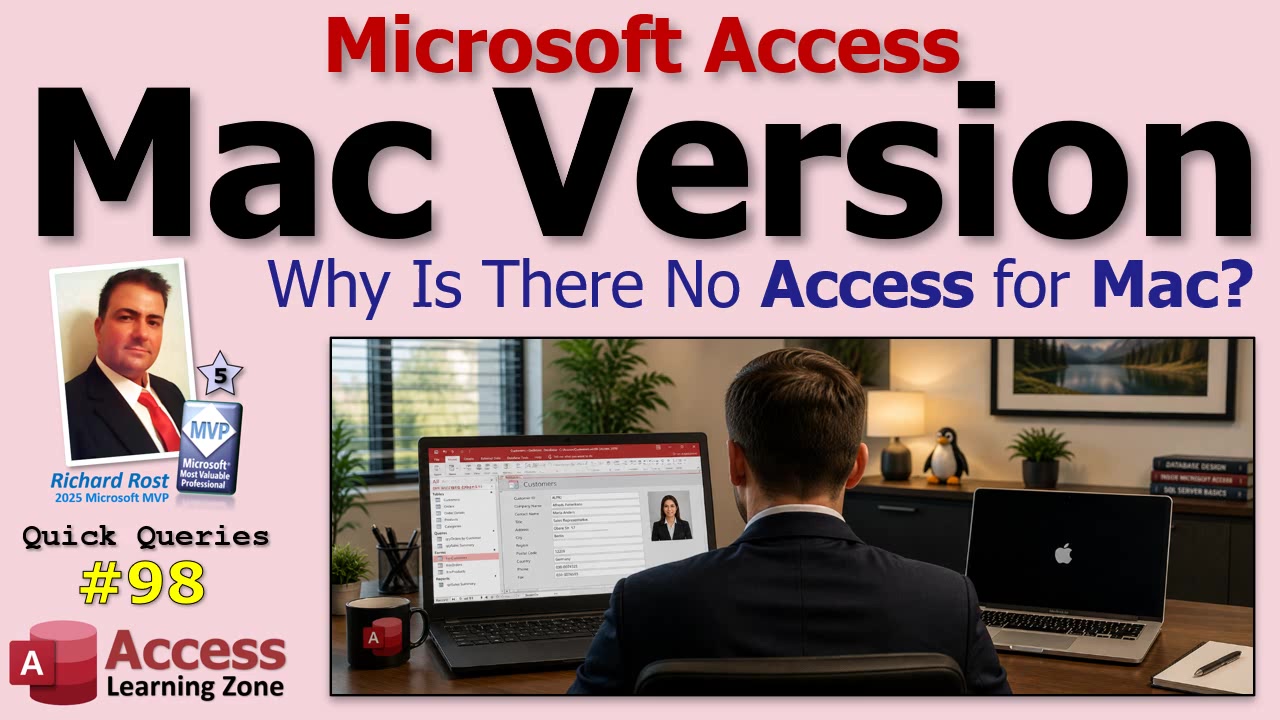
This isn't just about checking one more box on the Microsoft Office for Mac installer. Access is a different beast entirely compared to Word or Excel. While Word is just a really powerful word processor and Excel is the champion of spreadsheets, Access is a full-blown database development platform under the hood. If you know Access, you know it's got tables, queries, forms, reports, VBA code, macros, and a ton of little moving parts living together in every database file. It's not exactly your average Office app.
The biggest hurdle comes down to technology. Access was built from the ground up around Windows plumbing - stuff like the Jet and Ace database engines, COM automation, ActiveX, VBA integration, the whole Windows API, and a pile of Windows-only drivers and libraries. Microsoft can port Word and Excel to Mac because those apps don't depend as heavily on Windows-only tech. Access, on the other hand, would need a massive rewrite from scratch. They can't just hit "recompile" and get a working Mac version, not even close.
Meanwhile, there's a business side here too. Access thrived in the Windows business environment. By the time Macs started showing up in large numbers at work, there were already solid contenders on the Mac side, like FileMaker Pro, which Apple eventually bought. So if you're Microsoft, you do the math: huge cost to rebuild, comparatively tiny Mac market of diehard Access users, and a world where most businesses already run Windows when they need Access. It's just not an attractive investment.
Some folks will tell you Microsoft kept Access Windows-only on purpose, just to keep businesses on Windows PCs. Let's be honest, that probably didn't hurt, but the technical and market realities were really what made the difference. If it was low-hanging fruit, we'd have it already.
Fast forward to today, and the story gets even more clear. Microsoft is pouring more effort into cloud-based stuff like Power Apps, Azure, and Dataverse. These platforms work everywhere, Mac or PC. Instead of spending a fortune rewriting Access for Mac, they focus on tools that run in any browser or on any device. Access for Windows is still alive and well (new features are even coming out), but asking for a native Mac version at this point is a long shot.
So what are your options if you're a Mac user who needs Access right now? Virtualization is the trick. Tools like Parallels Desktop and VMware Fusion let you run a full Windows environment right alongside macOS, and by all accounts from the Access community, they work great for running Access. You'll need a separate Windows license and a copy of Access, but it's the best way to get the full experience. Remote Desktop into another Windows machine is another common workaround, especially if you have a work PC sitting somewhere or a cloud-hosted Windows box to connect to from your Mac.
But if you're holding out hope for a real, native Mac version of Access? At this point, don't. It's just not likely to happen. The technical barriers are high, the business case is weak, and honestly, there are solid workarounds these days for people who truly need Access on a Mac.
If you want to see how all this looks in action - plus a few more tips for running Access on a Mac - check out the embedded video for the full walkthrough and discussion.
Live long and prosper,RR

No comments:
Post a Comment