Class modules are one of those Access features that make perfectly capable developers stare at the Create tab and think, "Well, that looks advanced. I'll just pretend it isn't there." The good news is that class modules are not magic, and you do not need to use them to build great Access databases. They are simply another way to organize VBA code when you need it.
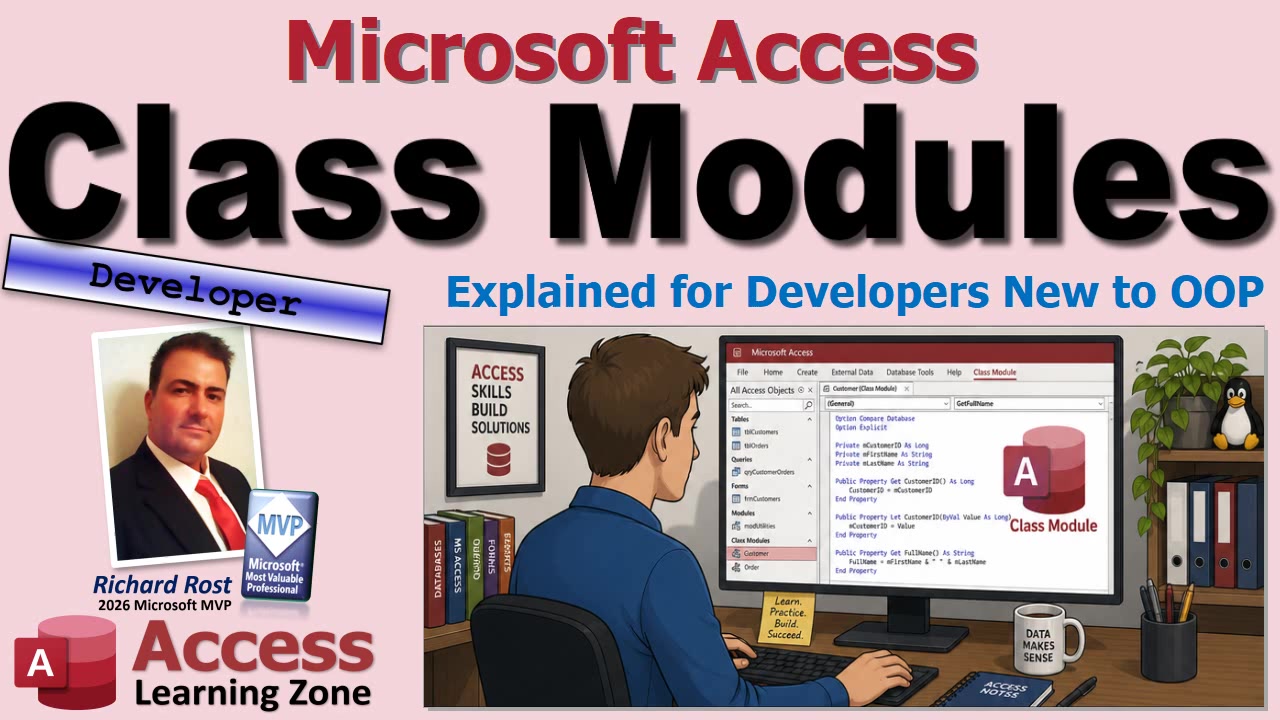
The important thing is understanding what class modules are good for, how they differ from standard modules and form code, and when they are just unnecessary complexity. Because, honestly, nobody gets an Access merit badge for turning a simple database into an object-oriented science project.
A standard module is a general container for VBA code. It is where you put public functions, subroutines, constants, declarations, and utility code that can be used throughout the database. You might have a module for email routines, one for date calculations, one for window positioning, or one named GlobalMod that contains common functions used everywhere.
For example, a standard module is a good place for a function that formats a phone number, checks whether a form is open, calculates the next business day, exports a report to PDF, or sends an invoice email. You write the public function once and call it directly from wherever you need it: a form, report, query, macro, or another VBA procedure.
Standard modules are usually the right choice when you have a general-purpose tool. The code performs a task, returns a value, or carries out an action, but it does not need to remember separate information about multiple individual things.
One important detail is that a module-level variable in a standard module is shared during the current Access session. There is one copy of it. It is not automatically separate for each customer, employee, invoice, or form. That is fine for many uses, but it is where class modules can become useful.
A class module is different because it defines a custom object. Think of it as a blueprint. A blueprint is not a house, but you can use it to build multiple houses. Each house can have its own color, occupants, furniture, and questionable decorating decisions, even though they all came from the same plan.
In VBA, the class module is the blueprint. An object created from that class is an instance. If you create a class named CLSEmployee, you can create one employee object for Jim, another for Spock, and another for Susan. Each employee object has its own stored information.
That is the main reason classes exist: they let you work with multiple separate things at the same time, with each thing carrying around its own data and behavior.
An employee class might have properties such as employee name, employee ID, hire date, pay rate, and active status. It might also have methods that perform employee-related work, such as calculating pay, deactivating the employee, or returning a formatted display name.
Properties describe an object. A name, date, amount, status, or ID are all examples of properties. Methods are actions that the object can perform. A method might calculate a total, validate a value, save a record, or display a greeting.
Most class modules keep their actual data in private variables. For example, an employee name might be stored internally in a private variable such as mEmployeeName. Code outside the class cannot directly change that variable. Instead, it has to use the public properties and methods that you expose.
This is called encapsulation, which is just a fancy programmer word for keeping the internal plumbing inside the object. Other code can use the controls you provide, but it cannot climb into the Jefferies tubes and start pulling wires at random.
In VBA, a Property Get procedure retrieves a value, while a Property Let procedure assigns an ordinary value such as text, a number, or a date. So an EmployeeName property can allow outside code to set an employee's name and later retrieve it, while the actual storage remains private inside the class.
There is also Property Set, which is used when assigning an object reference rather than a normal value. If you are assigning a form, recordset, database object, or another custom object, you use Set. If you are assigning text, numbers, dates, or Yes/No values, you use the regular equals sign.
If you have worked with DAO recordsets, you have already used objects and object references. Statements such as setting a database variable to CurrentDb or setting a recordset variable to the result of OpenRecordset are object-oriented VBA, whether you realized it or not.
To use your own class module, you first declare a variable of that class type. For example, you might declare a variable as CLSEmployee. At that point, you have a variable that can hold a reference to an employee object, but you have not created the actual object yet.
To create the object, use the New keyword. In VBA, you would assign the new object reference with Set. Once that is done, you have a fresh employee object in memory, ready to hold its own values.
You could create two employee objects, assign one the name "Jim" and the other the name "Spock," then call a DisplayGreeting method on each one. Each object remembers its own EmployeeName value. They are both built from the same CLSEmployee blueprint, but they are separate instances with separate state.
The full video demonstrates this with a small CLSEmployee class. It contains a private employee-name variable, public Property Let and Property Get procedures, and a simple method that displays a greeting. The point is not that you need a class just to say hello to somebody. That would be using a flamethrower to light a birthday candle. The point is to see how the pieces fit together.
When you are done with an object variable, it is good practice to release it by setting it to Nothing. A simple rule to remember is: if you set it, forget it. VBA often cleans up local objects automatically when a procedure ends, but explicitly releasing object references is a good habit, especially when objects have a longer lifetime or hold other objects internally.
Class modules become more useful when an object has several related pieces of information and several related actions. An employee with a first name, last name, ID, hire date, pay rate, and active status is a reasonable candidate. So is an invoice that contains header information, line items, and a method to calculate its own total.
A customer object might contain customer data along with methods to determine customer status, format a display name, or check discount eligibility. A shopping cart object could add and remove items, calculate tax, and return a total. In each case, the class groups related data and the logic that belongs with it.
Classes can also help when you need multiple separate objects at once. You might have ten invoice objects in memory, each with its own customer, status, line items, and total. With a standard module variable, those values could step on each other. With separate class instances, each invoice keeps its own information.
Another advanced use is reusable behavior across forms. Class modules can respond to events and can be used to manage groups of controls on multiple forms. For example, developers sometimes use classes to apply common button behavior or control events across an application. That is useful, but it can get complicated quickly, so it is not where I recommend beginners start.
Classes also have built-in lifecycle events. Class_Initialize runs when an object is created. It is useful for setting defaults or creating internal objects, such as a collection that the class will use. Class_Terminate runs when the object is being released from memory and can be used for cleanup.
It is worth pointing out that you already work with classes all the time in Access. A form is an object. A report is an object. A text box is an object. A recordset is an object. Access itself is a large collection of objects.
When you write Me.Requery in a form module, you are calling a method on the current form object. When you check Me.Dirty or change Me.Caption, you are working with form properties. When you write code in a form's Before Update event, you are responding to an event raised by that form object.
The code behind a form or report is effectively a class module associated with that particular form or report. It has special access to that object's controls, properties, and events. A standalone class module is simply one you create yourself in the Visual Basic Editor, usually with Insert Class Module.
By convention, I usually begin custom class module names with CLS, such as CLSEmployee or CLSInvoice. You do not have to use that naming convention, but it makes it immediately obvious that you are looking at a class rather than a standard module, form module, or report module.
Do not confuse a class with a table. Your customer information still belongs in a properly designed Customer table. Your invoices, employees, and line items still need proper relationships, keys, and normalization. A class can represent a customer temporarily in VBA memory while your code is working with that customer, but it does not replace relational database design.
That is a beginner mistake worth avoiding: thinking classes are somehow a replacement for tables. They are not. Tables store your data. Classes organize code and temporary in-memory objects. Those are two very different jobs.
For most Access databases, standard modules, form modules, report modules, tables, queries, forms, and reports are more than enough. I have built and taught Access databases for decades, and while class modules have some nifty uses, they are not a requirement for building professional applications.
Use a standard module when you need a general tool. Use a class module when you have a cohesive thing with related data and behavior, especially if you need multiple independent copies of that thing. And if a simple public function does the job cleanly, use the simple public function. There is no prize for making the architecture more complicated than the database needs.
Once you are comfortable with the basics, class modules can do quite a bit more. You can create calculated read-only properties, validate values before accepting them, build objects from table records, manage groups of objects with collections, and create reusable event-handling systems. Those are useful next steps, but there is no need to swallow the whole object-oriented textbook in one bite.
For now, just remember the big picture: a standard module contains shared utility code, while a class module defines a blueprint for objects. Each object instance has its own private state, public properties, and methods. That is all a class really is.
If you want to see the CLSEmployee example built step by step, including creating the class, making two employee objects, setting their properties, and calling their methods, watch the embedded video for the full walkthrough.
Live long and prosper,
RR

No comments:
Post a Comment