Getting your Microsoft Access data online isn't rocket science, and it definitely doesn't have to break the bank. There's a neat, straightforward way to host your Access back-end on a SQL Server in the cloud. Whether you want to support remote employees, connect multiple offices, or just get to your data while traveling, moving your Access backend online makes a whole lot of sense.
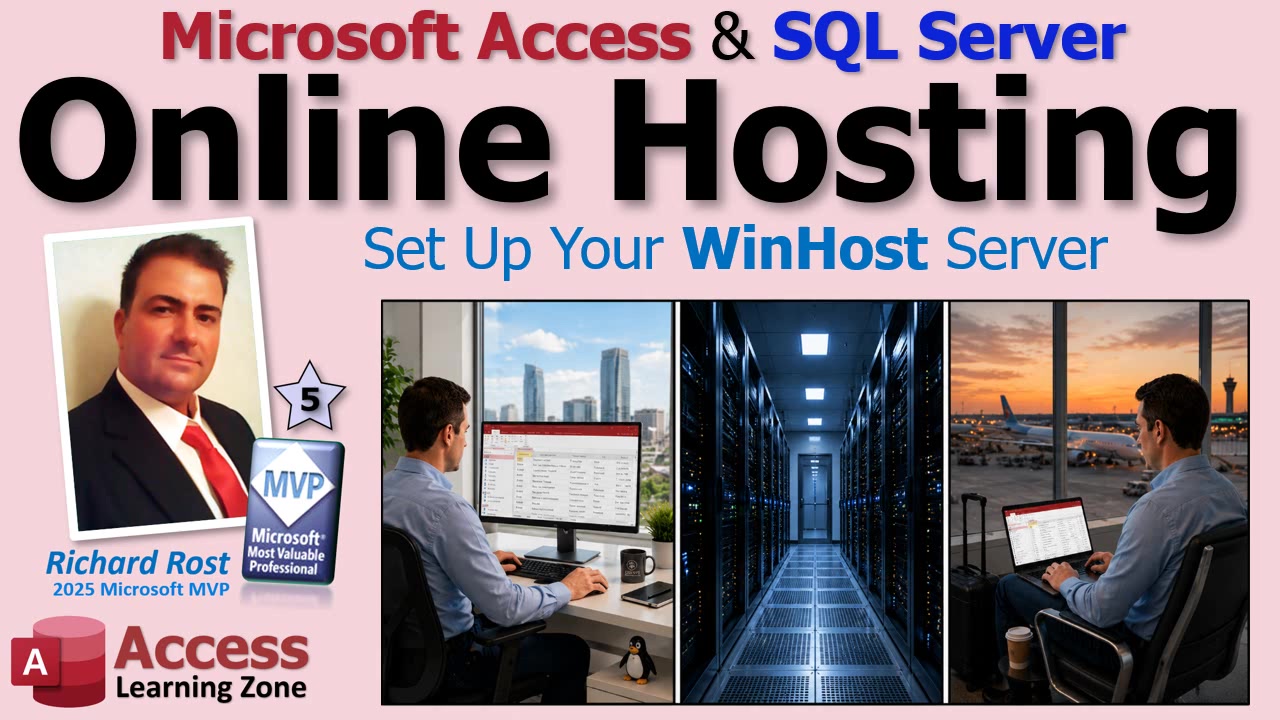
The good news is, modern SQL Server hosting is incredibly affordable. You can get started for about the price of a large coffee per month, especially if you jump on the basic plans at places like Winhost. I've tried several hosts (and I've got the scars to prove it), but I keep coming back to Winhost - they're reliable, they know what they're doing, and their support team actually replies to emails as if they're written by real humans.
So let's walk through how to get set up. You don't need to be an IT wizard, just have some basic computer skills and a healthy distrust for GoDaddy (I speak from experience).
The process starts with heading over to Winhost.com. If you want to put your Access data online, you'll need a hosting plan - nothing fancy, just sufficient space to hold your database and support some web traffic. Even their basic plan offers plenty for an Access SQL Server setup: a few gigs of web space, more bandwidth than you'll probably ever use, and a SQL Server database that's big enough for pretty much any non-enterprise project.
If you don't already own a domain name, Winhost can grab one for you. But if, like me, you hoard domain names elsewhere (I still have some from the dot-com boom!), just point your existing domain's nameservers to Winhost. It's as simple as popping their DNS addresses into your registrar's control panel, clicking save, and waiting for the Internet to catch up. Don't panic if it takes a few hours for the new address to kick in - sometimes it's instant, sometimes it's the digital equivalent of watching paint dry.
During signup, they'll ask for the usual billing stuff and offer a couple upsells like nightly backups or basic site protection. If this is for a real business, I'd spring for the backups. But for learning or demo purposes, you can save your cash.
Once you've signed up, check your email. You'll get the keys to your new kingdom - login details for your hosting control panel, FTP access, database credentials, and all that jazz. Do yourself a favor and copy these to a safe place. I always park them in Notepad while I'm setting things up (yes, Notepad, because who needs another complicated password manager debacle?).
If you're linking a domain from another provider, make sure to update its nameservers to the ones provided by Winhost. There's a short lesson in Internet plumbing here: nameservers are basically giant phone books that tell the world's browsers where to find your site. Point them to Winhost, and you're in business.
With the web space and domain in place, let's focus on SQL Server. In your Winhost control panel, there's an option called MS SQL Manager (don't get sidetracked by MySQL - it's not what we want here). Click it, create a new database, and give it a name you'll remember. Stick with the latest version unless you've got some very old applications to support.
Here's a pro tip that most people miss: use a unique password for your database and another for your web hosting account. Never recycle passwords between the two, especially if you're letting others access the Access front end. Security first - nobody wants their database hijacked by a bored teenager in another country.
After the database is provisioned, jot down (or copy and paste) the connection information. That connection string is gold; it tells Access or your website how to hook up to your SQL Server backend. Plug in your new database password (replace those asterisks) and stash it somewhere safe. You'll need this connection string when linking tables from your Access front end or connecting from a web application.
If SSL matters to you (which it should, unless you enjoy sending your data in plain text across the wilds of the Internet), order a basic SSL certificate from Winhost. It's usually just a few bucks, and it keeps your stuff encrypted and safe from prying eyes. At the very least, treat yourself to HTTPS before you go live.
That's about it for the setup. Your hosting is ready, your database exists in the cloud, and you've got the credentials needed to start building, migrating, and connecting Access to SQL Server from anywhere you have Internet. If you're looking to take it further - migrating your Access tables, securing user access, optimizing performance, or maybe even building a simple browser-based app - that's all covered in the full video.
So, if you're ready to modernize your Access database and set it free from the shackles of a dusty old file server, now you know how to start. The video embedded above has the blow-by-blow walk-through if you want to see each step in action.
Live long and prosper,
RR

No comments:
Post a Comment