If you search for programming help and keep finding VB, VBA, VB.NET, VBScript, and VB6, you are not alone in wondering whether they are all the same thing. They are related, and the syntax can look very similar, but they are absolutely not interchangeable. The important question is not which one has the newest-sounding name. The important question is: where is your code supposed to run?
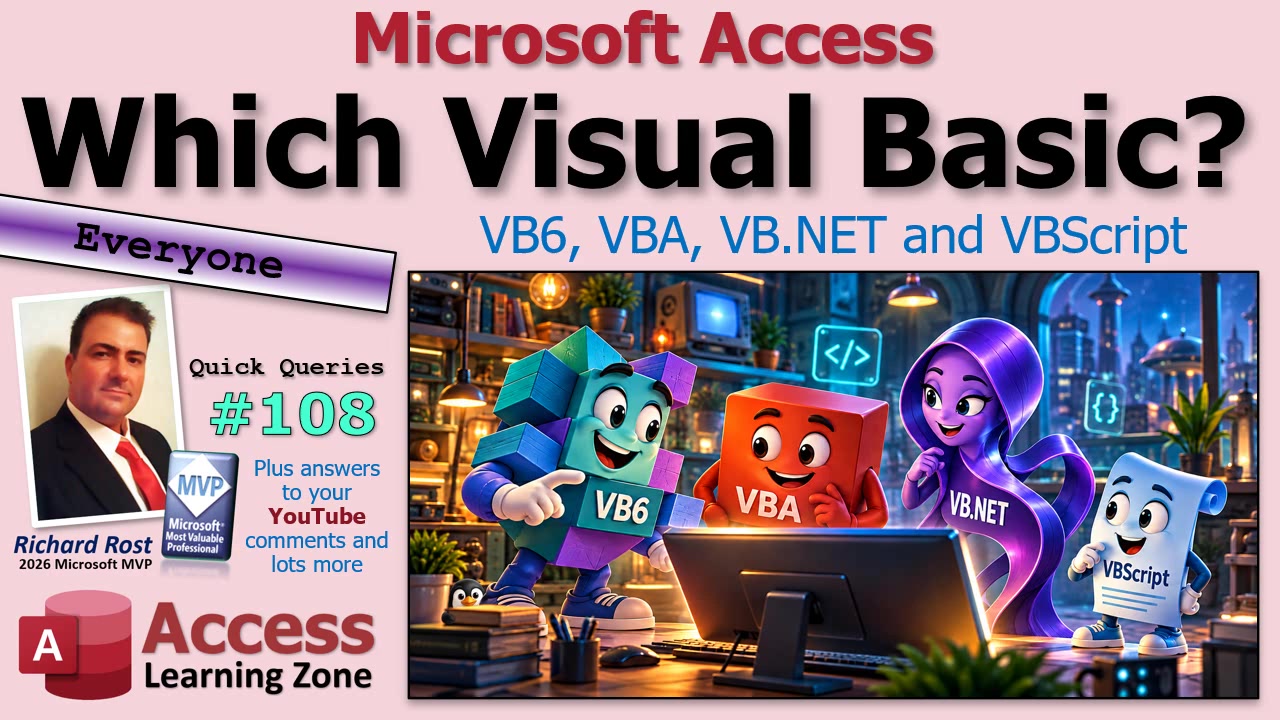
If you are writing code in Microsoft Access, the answer is easy: you are learning VBA, which stands for Visual Basic for Applications. That distinction matters because copying code written for VB.NET, VB6, or VBScript into an Access module can lead to a whole lot of "Why doesn't this work?" and possibly some colorful language.
Let's start with the old favorite: Classic Visual Basic, usually meaning VB6. Visual Basic 6 was a standalone Windows application development environment. You could create forms, drop controls onto them, add buttons, and write event-driven code behind those buttons.
That should sound familiar to Access developers. Access forms work in a similar event-driven way. You put controls on a form and write code that runs when someone clicks a button, changes a value, opens a form, and so on. The big difference is that VB6 was used to create separate Windows programs. An Access form lives inside an Access database and depends on Access being there.
VB6 is old now. Microsoft ended mainstream support for the VB6 development environment a long time ago, although the core VB6 runtime still has limited support on supported versions of Windows. That means many old VB6 applications still run, especially in businesses that have been using the same custom software for years. But maintaining an old VB6 application is very different from building a modern .NET application.
VBA, on the other hand, is the language built into Office applications. In Access, VBA lets you work with forms, reports, controls, queries, recordsets, tables, macros, and the rest of the Access object model. In Excel, VBA works with workbooks, worksheets, ranges, charts, and cells. In Word, it works with documents, paragraphs, bookmarks, and so on.
The language is similar across Office applications, but the objects are not. An Excel VBA example that refers to Worksheets("Sheet1") will not magically work in Access, because Access does not have worksheets. Likewise, Access code that refers to a form or report will not run in Excel without being completely reworked for that environment.
This is one of the biggest beginner mistakes: finding something called "Visual Basic code" online and assuming it applies to Access. Before using any example, first figure out what environment it was written for. If you are programming an Access database, search for Access VBA specifically whenever possible.
VBA is designed to extend the application you are already using. You are not normally building an entirely separate Windows program from scratch. You are automating and enhancing Access, Excel, Word, Outlook, PowerPoint, or another host application. That is why it is called Visual Basic for Applications.
Then there is VB.NET, which Microsoft often calls simply Visual Basic now, because apparently having several things named Visual Basic was not confusing enough.
VB.NET is the modern member of the Visual Basic family. It is used with the .NET platform and development tools such as Visual Studio. You can build Windows applications, web-related services, libraries, utilities, and other .NET projects with it. You may see visual form designers, buttons, text boxes, and event procedures that look somewhat like VB6 or Access forms, but do not let that fool you.
VB.NET is not VB6 with a fresh coat of paint. It uses a different runtime, different project structure, different libraries, different object model, and different programming features. Some basic syntax may look familiar, such as If...Then, loops, variables, and procedures, but an Access VBA procedure generally cannot just be pasted into a VB.NET project and expected to run.
The same goes in reverse. A VB.NET example might use .NET classes, namespaces, Windows Forms controls, or file-handling methods that do not exist in Access VBA. You may be able to learn programming concepts from it, but you still have to translate the solution into the Access environment.
Finally, there is VBScript. VBScript was a lightweight scripting language related to Visual Basic. It has commonly been used in old Windows automation scripts, Classic ASP web pages, login scripts, and administrative utilities. A typical VBScript file has a .vbs extension and can be run by Windows Script Host using WScript or CScript.
VBScript can work with COM objects and automate applications, which is why it was useful for lots of small jobs over the years. But it is not the same as VBA. It does not run inside your Access database as a normal VBA module, and it does not provide the same development environment, references, debugging tools, or Access object model that you have in Access.
VBScript has also been deprecated by Microsoft and is being phased out of Windows over time. It has not simply vanished overnight, and many existing scripts can still run depending on the Windows version and configuration. But if you maintain old VBS files, you should know what runs them and start thinking about their long-term future. Old scripts have a way of becoming "critical business infrastructure" right before somebody discovers they are 20 years old.
So here is the practical cheat sheet. If your code is behind Access forms, reports, buttons, queries, or recordsets, you are using Access VBA. If you are maintaining an older standalone Windows application, it may be VB6. If you are working in Visual Studio on a modern .NET project, you are dealing with VB.NET. And if you inherited a pile of .vbs files, that is VBScript.
They are all members of the larger Visual Basic family, and knowing one can certainly help you recognize pieces of another. Variables, conditions, loops, functions, and event procedures often feel familiar. But the runtime, available libraries, objects, project files, and deployment methods matter just as much as the syntax.
When looking for help, start with the application you are using. Search for "Access VBA" if you are working in Access. Search for "Excel VBA" if you are working in Excel. Search for "VB.NET" if you are working in Visual Studio. That one small habit will save you a lot of time and keep you from trying to use a hammer when what you found online is clearly instructions for a nail gun.
If you are new to programming in Access, the embedded video includes a walkthrough of these distinctions and will help you get your bearings. Once you know that Access uses VBA, you will have a much easier time finding examples, tutorials, and answers that actually apply to your database.
Live long and prosper,
RR

No comments:
Post a Comment