Figuring out how many days two date ranges have in common comes up constantly in Access databases. Reservations, rentals, employee leave, utility bills, warranties, subscriptions, and just about anything else involving a start date and an end date can need this calculation. It sounds simple until you run into ranges that do not overlap, only partially overlap, or sit completely inside one another.
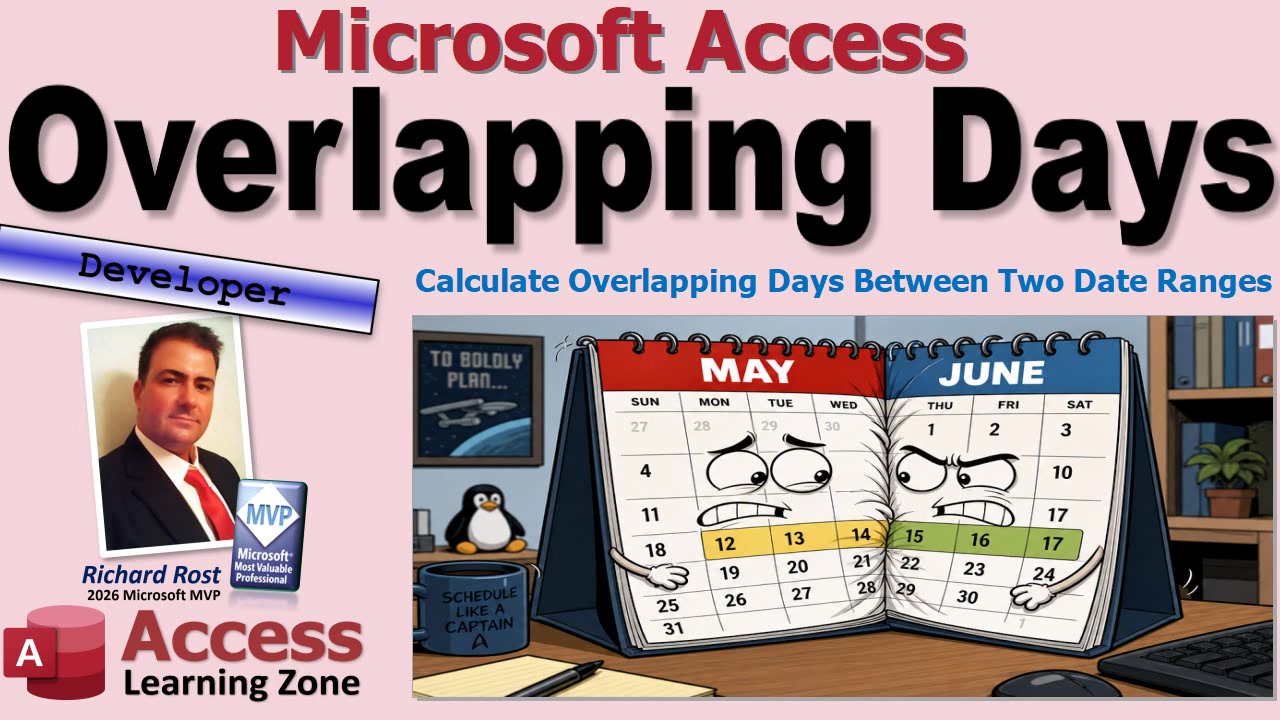
The good news is that you do not need a dozen different cases and a pile of spaghetti VBA to handle it. There is one simple rule: find the later start date, find the earlier end date, and see whether there is any time left between them. That is the overlap.
Suppose your first date range runs from January 13 through January 17. A second range might run from January 9 through January 11, which does not overlap at all. Or it might run from January 11 through January 19, which completely covers the first range. It could start before the first range and end in the middle, or start in the middle and end afterward. It could even fit entirely inside the first range.
All of those situations are handled with the same basic logic.
First, determine where the overlap starts. Look at both start dates and choose the later one. The two ranges cannot both be active until the later of the two ranges has begun.
Next, determine where the overlap ends. Look at both end dates and choose the earlier one. As soon as either range ends, the shared time is over. That is the part people often get backward, especially after copying and pasting code. The overlap end is the earlier ending date, not the later one. Tiny difference, huge consequences. Ask me how I know.
For example, if Range 1 is January 13 through January 17 and Range 2 is January 11 through January 14, the overlap begins on January 13 and ends on January 14. That gives you two shared calendar days if you are counting both dates.
On the other hand, if Range 1 ends on January 10 and Range 2 begins on January 15, your calculated overlap start would be January 15 while your overlap end would be January 10. Since the end comes before the start, there is no overlap. The answer is zero.
In VBA, this makes a nice small reusable public function. It receives four date values: the start and end of the first range, plus the start and end of the second range. Inside the function, you use a couple of local Date variables for the calculated overlap start and overlap end.
The basic comparison for the starting dates is simply: if Start1 is later than Start2, use Start1; otherwise, use Start2. For the ending dates, do the opposite: if End1 is earlier than End2, use End1; otherwise, use End2.
Once you have those two calculated dates, the safety check is easy. If the overlap end is less than the overlap start, return zero. Otherwise, subtract the overlap start from the overlap end to get the number of days between them.
Access date values are numbers behind the scenes, and one whole number represents one day. So for a day-based calculation, ordinary date math works perfectly well. You do not necessarily need DateDiff for this. DateDiff is useful when you need to work with things like months, years, or specific date boundaries, but plain subtraction is nice and clean for this particular job.
There is one business-rule detail you must decide for yourself: are your date ranges inclusive? In other words, do you count both the starting day and the ending day?
If someone is responsible for utility costs from January 8 through January 10, that is generally three calendar days: the 8th, 9th, and 10th. Basic subtraction gives you two, so you add one to include both endpoints.
But if you are calculating hotel nights, somebody checking in Monday and leaving Wednesday is usually charged for Monday night and Tuesday night, not Wednesday night. In that case, you would not add one. Neither approach is universally right. The important thing is to decide what your database means by a date range and apply that rule consistently.
Once the function is stored in a standard global module, you can call it from forms, reports, queries, other VBA procedures, and anywhere else in the database that can use a public VBA function. You might use it to check reservation conflicts, determine how many rental days fall inside a billing period, compare employee leave against a payroll cycle, or calculate whether a repair occurred during a warranty period.
For a tenant utility-bill situation, for example, you can compare each tenant's move-in and move-out dates against the utility billing period. The overlap calculation tells you how many days that tenant was responsible for during that bill. From there, you can divide costs however your particular rules require. The math is the easy part. Explaining the utility bill to three roommates is where the real programming challenge begins.
The full embedded video walks through building and testing the VBA function in Access, including the common copy-and-paste mistake of choosing the wrong ending date. It is a small function, but it is one of those handy little tools you will probably wind up using all over your database.
Live long and prosper,
RR

No comments:
Post a Comment