One of the interesting challenges of running a website like mine is that I don't use it the same way you do. I upload videos, answer forum questions, fix bugs, and build new courses. What I don't do is sit down and binge watch my own lessons for hours at a time. I don't go through the site as a student. That means there are parts of the user experience that I simply don't feel the way you do.
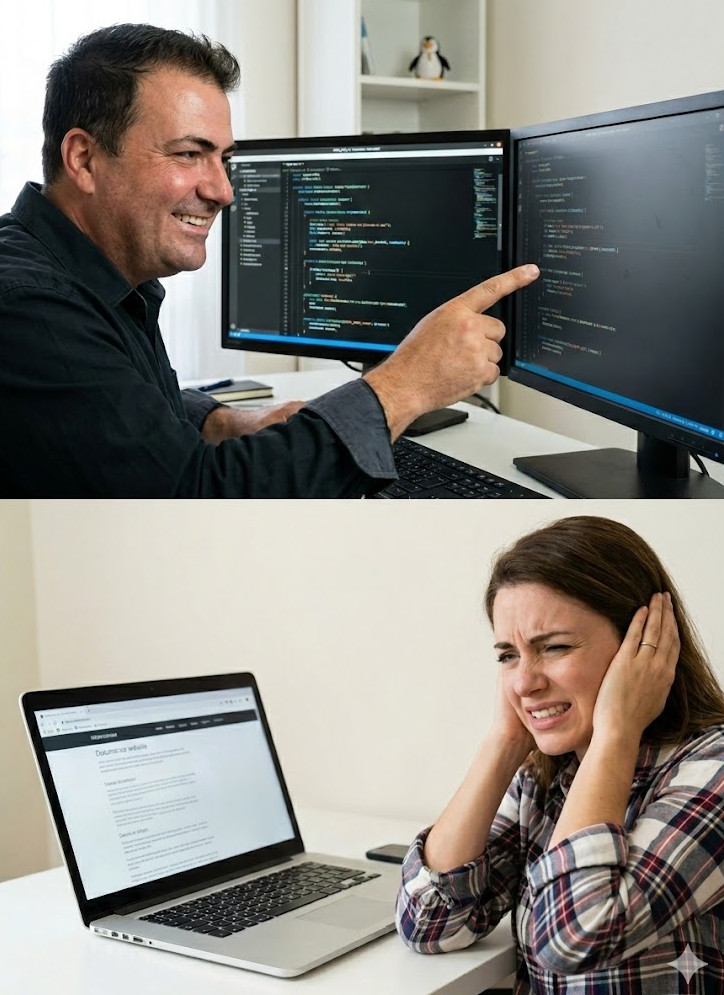
Over the years, one small but consistent piece of feedback I've received is about video volume. Every time someone pressed play on a new page, the volume jumped back to 100%. If you're watching a lot of videos in a row, that gets annoying fast. For me, I'd click a video once in a while just to make sure it worked, so I never experienced that friction the way regular users did. But once it was pointed out, I realized that's the kind of thing we can and should fix.
So today I did. I added a small bit of JavaScript that saves your preferred volume setting right in your browser. Now, if you set a video's volume to 50%, it should stay there for you across the site. As long as you don't clear your browser data, your volume preference will stick. It's a tiny change, but those little quality of life improvements add up over time.
This is a good reminder that developer experience isn't the same as user experience. And this applies to your own projects too. When you're designing your Access databases or building websites, ask your end users for feedback. A lot of times when I was developing databases for clients, I'd think everything was perfect. I was proud of the layout, the forms, the workflow. Then a few days after installation, the feedback would start coming in. This form isn't what we need. That process doesn't match how we actually work. And that's because I wasn't using it the way my clients were using it.
Keep that in mind when you're building your own systems. Just because it makes sense to you doesn't mean it's ideal for the people who live in it every day. Sometimes the smallest tweaks make the biggest difference.
LLAP
RR

No comments:
Post a Comment