Once you start building reusable tools in Microsoft Access, copying forms, modules, and functions from one database to another gets old fast. It is also a great way to end up with six slightly different versions of the same code, none of which you are completely sure is the right one. A shared library database solves that problem nicely, but it creates a new question: how do you safely maintain, protect, and distribute that library?
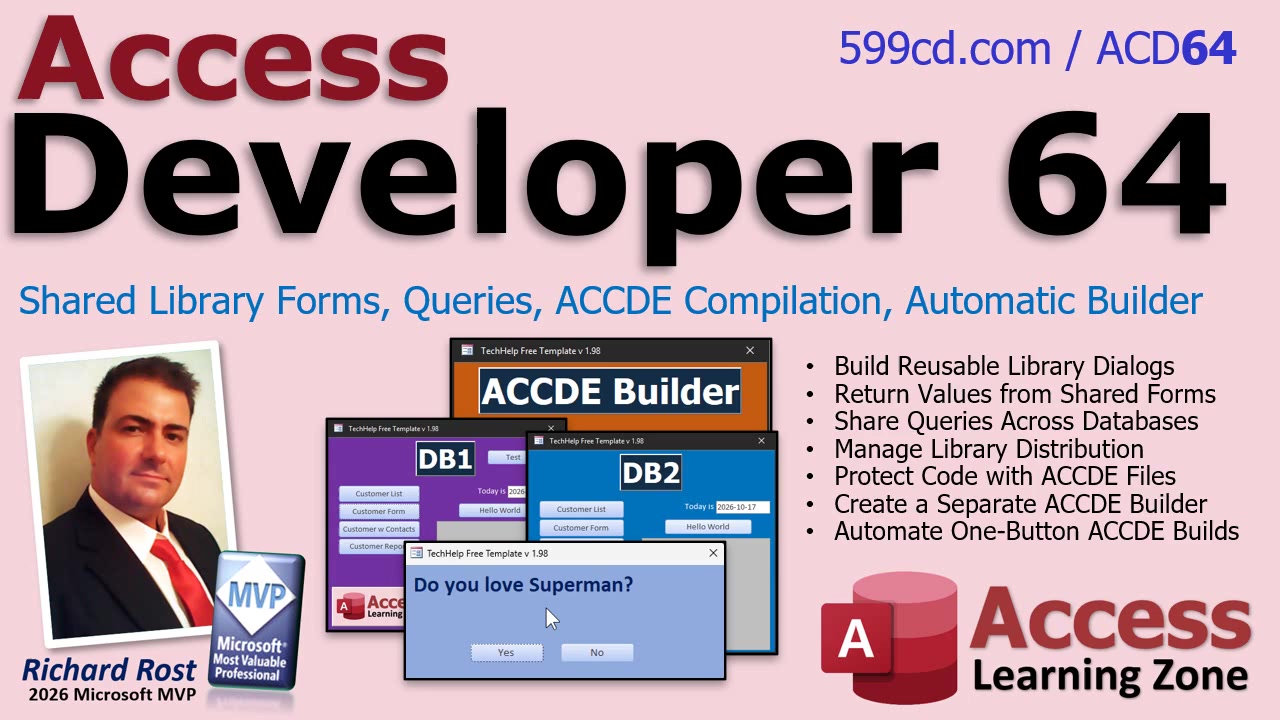
That is the focus of Access Developer Level 64. This class continues the shared library database system begun in Developer 63 and takes it from a useful development idea to something much closer to a professional deployment setup. You will learn how to keep reusable tools in one master library, make them available to multiple Access applications, and package the finished library as a protected ACCDE file.
A shared library is especially useful when you have common routines that belong in more than one application. Maybe you have standard validation functions, utility code, report helpers, import and export tools, or custom dialog boxes. Instead of maintaining copies of those objects in every database, you can place them in one library database and reference that library from your other applications.
One of the practical projects in this class is building reusable custom dialog boxes. These are forms that can be opened from another database, ask the user a question, and return the answer to the application that called them. That may sound simple, but once you understand the pattern, you can create all kinds of shared interface tools: confirmation prompts, selection dialogs, data-entry helpers, message windows, and more.
The class also addresses a few of the questions that naturally come up once you begin using library databases. What kinds of objects belong in the library? Can queries be shared? When does it make sense to move a form, report, query, or code module into the library instead of leaving it in the front-end database? And how do you distribute the library to users without handing them a file full of editable VBA source code?
That last point is where ACCDE files come in. An ACCDE is the compiled version of an Access database. It helps protect your VBA source code, prevents design changes to forms and reports, and reduces the chance that someone will accidentally "fix" something that was working perfectly five minutes earlier. If your shared library is being used by multiple databases, compiling it before distribution is generally a very good idea.
Of course, manually producing an ACCDE every time you make a small change is tedious. You have to compile the project, create the ACCDE, deal with the existing file, make sure the current version is preserved, and then reopen your master database. It is not difficult, but it is exactly the kind of repetitive process that computers should handle for us. Otherwise, why are we programming?
That is why this class builds a separate automatic ACCDE builder utility. The goal is a one-button process that compiles the library, preserves the prior version, replaces the old compiled file, and returns you to the master library database when the job is finished. It is a small utility with a big payoff if you update your library regularly.
This is not just about saving a few clicks. Having a consistent build process makes your library easier to maintain and safer to deploy. You know which file is the editable master, which file is the compiled version that users should reference, and where the previous version went if you ever need to roll back. That sort of organization becomes increasingly important as your Access applications grow beyond a single database sitting on your desktop.
Developer Level 64 is designed for Access developers who are ready to stop treating every database as an isolated project. If you have reusable code and tools that you want to share across applications, this material will show you how to build a more maintainable library system and automate one of the more annoying parts of keeping it current.
Watch the embedded video for an overview of the class, then visit the course page for the complete training and full implementation details. By the end, you will have a solid approach for writing your code once, using it across multiple Access databases, protecting it in an ACCDE, and rebuilding that ACCDE without doing the same manual dance every single time.
Live long and prosper,
RR

No comments:
Post a Comment