Want people to copy a value from your Access form without changing it? Keep the text box enabled and set Locked to Yes. Disabling it prevents interaction through that control instead. My Gray Out Fields video explains the difference and shows how to disable fields based on another value in your form.
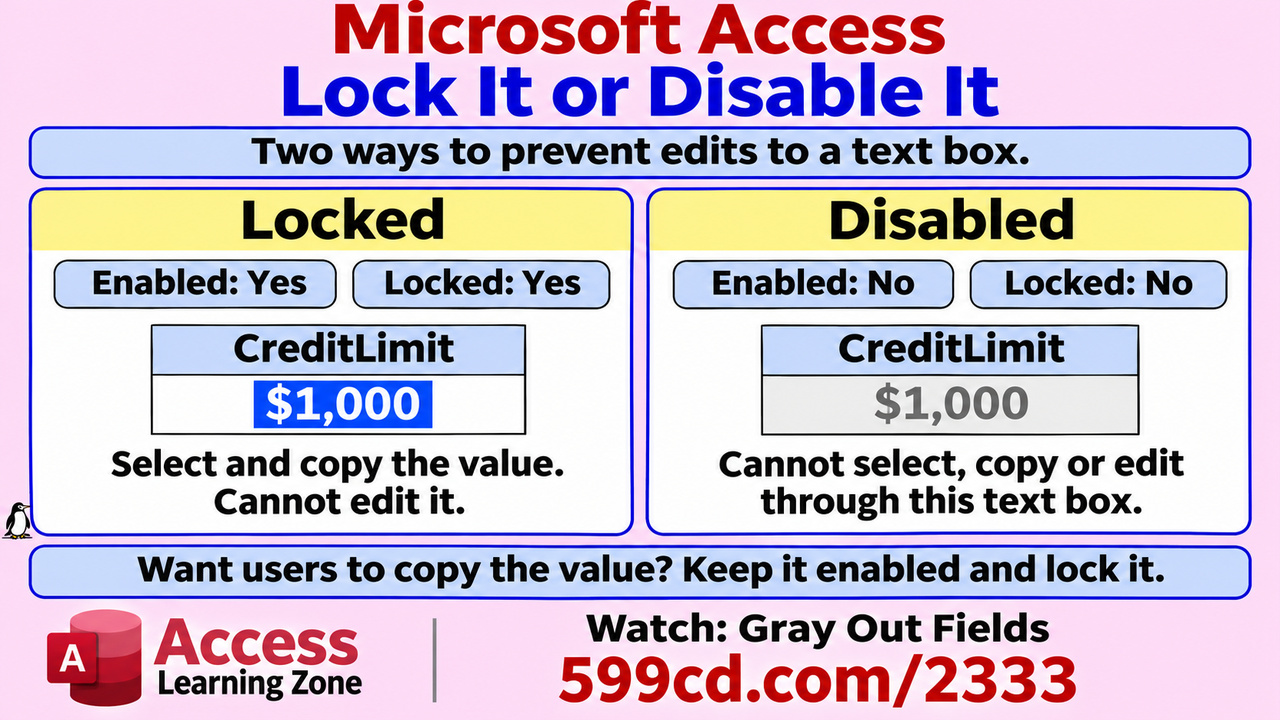
For a complete step-by-step video tutorial on this topic, including additional examples and explanations, please visit https://599cd.com/2333.

No comments:
Post a Comment