How much old VBA code is hiding in your Access database? If you have been maintaining the same application for a few years, probably more than you think. Delete a command button, rename a text box, replace a combo box, and the associated event procedure can quietly remain behind in the form or report module. It usually does not break anything, but it certainly makes your code harder to search, read, and maintain. Eventually you are digging through procedures that have not been called since the Clinton administration.
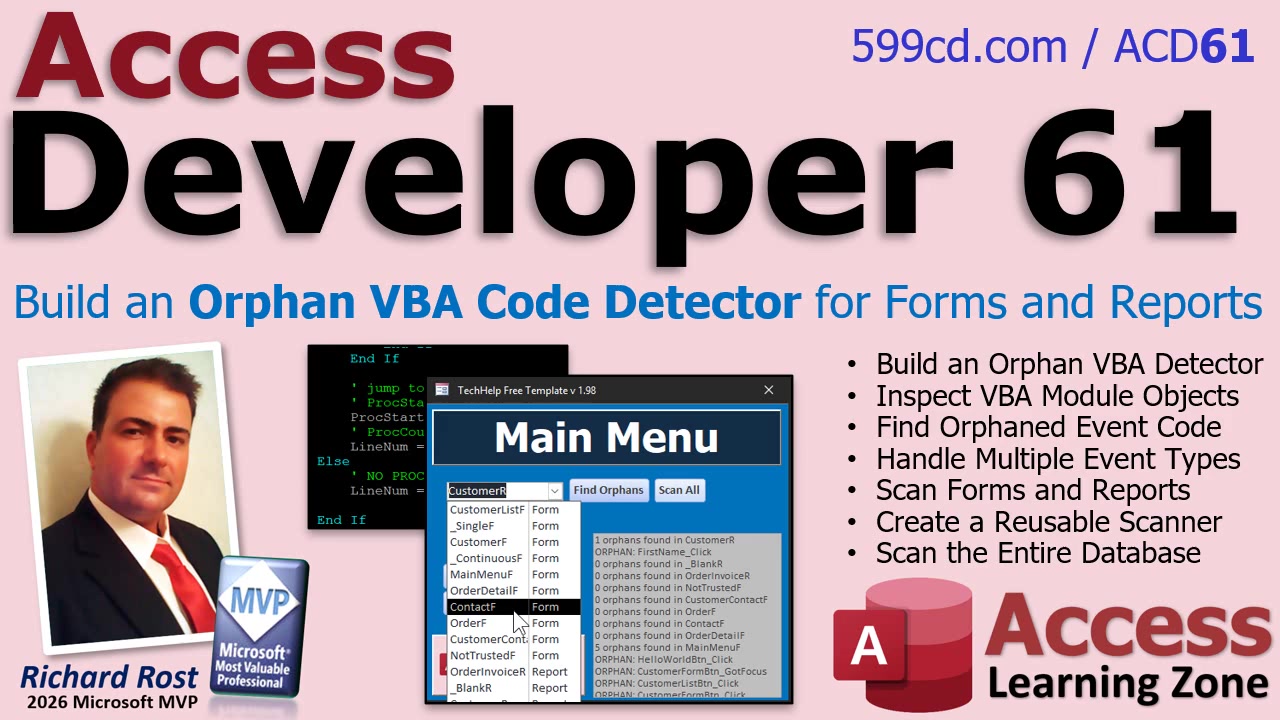
That is the problem addressed in Access Developer 61. In this class, we build an orphan VBA code detector that scans forms and reports for event procedures tied to controls that no longer exist. It is a practical database maintenance tool, but it is also a great look at a powerful side of Access VBA: using VBA to inspect the structure and code of the database itself.
Most developers are familiar with event procedures such as CustomerName_AfterUpdate or btnPrint_Click. Access creates these procedures when you attach an event to a control, and it does not necessarily remove the procedure later if that control gets deleted. The result is perfectly valid VBA that simply has no way to run anymore.
The first part of the class focuses on examining the VBA module behind a form or report. This is where things get interesting. Instead of merely running code, VBA can inspect the code module itself, identify procedures, and determine which event procedure names are present. Once you understand that capability, you can start building all kinds of useful developer utilities.
For example, an event procedure name contains valuable information. A procedure called txtLastName_AfterUpdate tells us that the control name should be txtLastName and that the event is After Update. The detector pulls apart that procedure name, then checks the form's Controls collection to see whether a control by that name is still there. If the control is gone, the procedure is a candidate for cleanup.
Of course, Click events are only the beginning. Real applications can have Before Update, After Update, Double Click, Key Down, Key Press, Key Up, Got Focus, Lost Focus, and plenty of other events. In the class, we create a table of recognized event types and use a recordset to work through them. That makes the utility far more flexible than hard-coding a few event names and hoping you remembered everything.
That table-driven approach is useful well beyond this project. Whenever you find yourself writing a long string of repetitive If statements, there is often a good chance that the information belongs in a table. It is easier to maintain, easier to expand, and much less likely to turn into one of those "why did I do this to myself?" chunks of code six months later.
Once the core detection logic is working, the class turns it into a real maintenance utility. You will build a selector that lets you scan a specific form or report when you are cleaning up one object. Then we add a Scan All option that loops through every form and report in the database, checking each module for event procedures whose corresponding controls no longer exist.
Reports are included because they can accumulate the same kind of leftovers as forms. A report might have old formatting code, click events, or other control-level procedures that survived several redesigns. If you are maintaining a large database, especially one that has been passed around between developers over the years, these little remnants can add up quickly.
The finished tool gives you a much cleaner way to audit your application. Rather than manually opening every form, reading every module, and trying to remember whether a control used to exist, you can let the scanner identify suspicious procedures for you. You still decide what to delete, of course. A good maintenance tool should report what it finds, not go on a rogue code-deletion spree while you are out getting coffee.
The bigger lesson in Developer 61 is learning how to work with Access objects programmatically. You will see how forms, reports, controls, modules, procedures, and recordsets can all work together to create tools that help maintain the database itself. Once you get comfortable with those techniques, an orphan-code detector is just one possibility. You can build code auditors, documentation tools, object inventory utilities, standards checkers, and much more.
If you have a long-running Access application and your VBA modules have started looking like an archaeological dig, this class is for you. Watch the embedded video for an overview, and visit the course page for the complete Access Developer 61 training and full implementation details.
Live long and prosper,
RR

No comments:
Post a Comment