Managing files directly inside your Microsoft Access database doesn't have to be a clunky experience. Imagine being able to drag and drop files, preview them instantly, and launch anything - from documents to folders, web links, or even other Access databases - right from your Access form. Taking your database to this professional, super-productive level is completely doable, and it's exactly what we're tackling today.
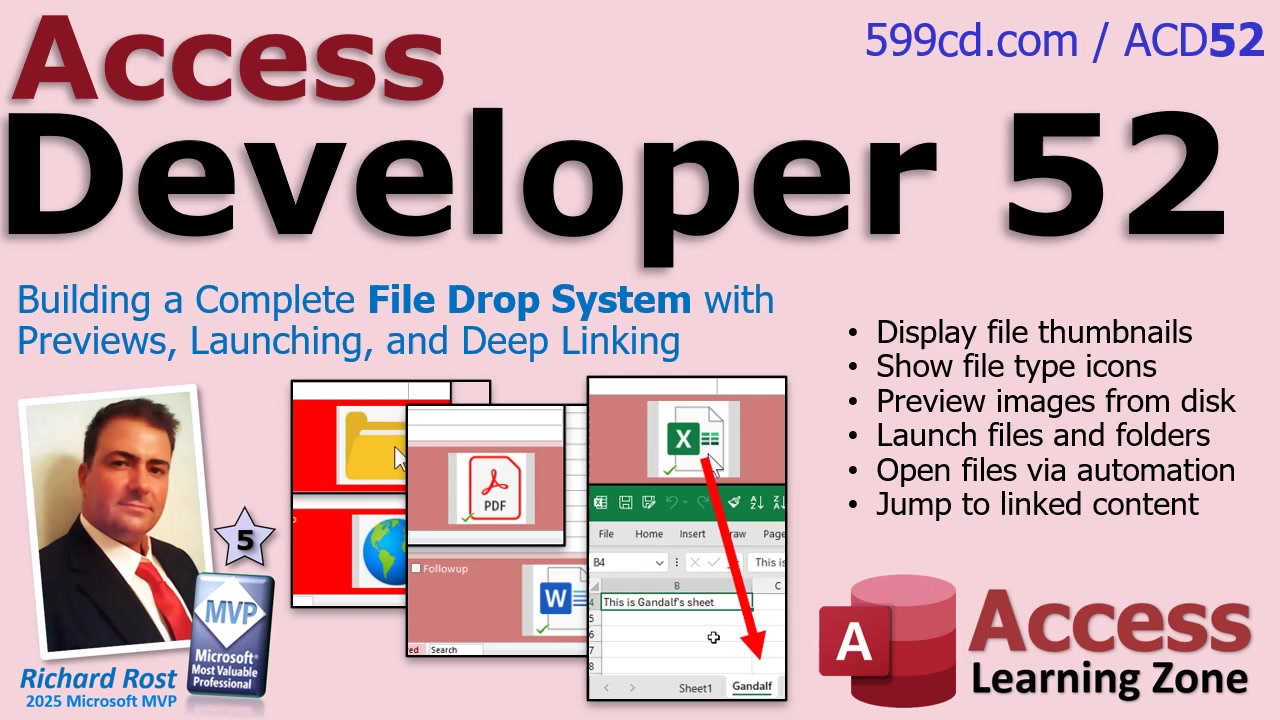
Let's dive right into creating a file drop system that's genuinely useful. The first step is setting up the ability to click and drag any file onto a form, which isn't just a party trick - it keeps your files organized and tightly integrated. With each dropped file, you'll have Access automatically store and track it in a designated folder, all from the comfort of your database interface.
Now comes the fun part: transforming simple file storage into a user-friendly preview and launch system. The magic starts with image thumbnails and recognizable icons for common file types - Word, Excel, PDF, and so on. This lets you scan your files visually instead of decoding mysterious file names. Want to launch a file? Just click its thumbnail. Whether it's a document, a web link, a folder, or even another Access database (with custom command-line settings, no less), you're covered with one centralized interface.
But we're not stopping at just previews. Let's talk about performance. Quick previews mean no awkward waiting for giant attachments to load, even if you're dealing with folders or hyperlinks and not just traditional files. The system also gracefully supports unknown file types - so, you know, you're never stuck with the dreaded blank icon of confusion.
Automation really makes this setup shine. Integrating with Excel and Word, you'll set up routines to open a particular worksheet directly, or jump straight to a header in a Word document, or even trigger a search as soon as the file launches. This isn't just convenient - it's a major time-saver if you routinely work with large or complex documents.
So if you're interested in elevating your Access app into a full-fledged file management powerhouse, this is the way to go. It saves time, reduces errors, and just plain feels cool. If you want all the gritty details, hit play on the video above for a step-by-step walkthrough. And remember, you can always reach out via my website or comment below if you run into any snags.
Enjoy building your own next-level Access file system!
Live long and prosper,RR

No comments:
Post a Comment